
There are a lot of useful SEO tools out there (some free, some paid) that can help you to look at your own site the way that Google sees it. Free tools report symptoms without ranking them, which is the gap the WorkMatix readiness audit exists to close.
The tools listed below are all free and will give you a great snapshot of how your site is performing and identify key issues that you can deal with to help your website perform as it should.
When it comes to websites there are a few main points that need to be looked at to get your website to perform at its best online, and in the search results.
Any good website audit should concentrate on the following points:
- Can people find your site?
- How the website performs when visitors load it into a browser window?
To kick things off we always start with checking Google to see if the site even shows up…
The quickest way to do this is to perform a search in Google by typing in the following “site:your-domain-name”. This search string will return results of every page that is indexed in Google.
Website audit tool #1 – Google Analytics
Google Analytics is to the website owner like air is to the human being. You can’t live without it.
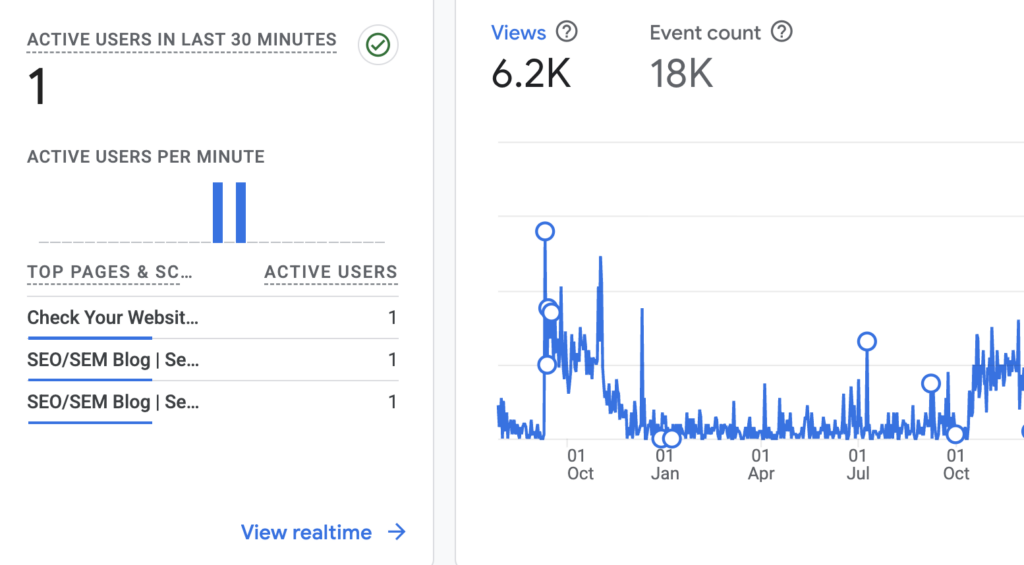
It is one of the most commonly used web analytics applications available today. The fact that, like many Google offerings, it’s an entirely free.
If you’re not yet using Google Analytics, I recommend that you begin doing so as soon as possible. There is no other data source that provides high-quality and detailed information like Google Analytics. In a Google-dominated era, it’s what we have to work with. Most of the other SEO tools simply use the Google’s data through their API.
Google Analytics is a powerful application for tracking traffic patterns on your website. The fact that integrates with other Google programs, like Google Search Console, AdSense and AdWords, only makes it that much more valuable.
Considering most people already use at least some Google products, it makes sense to use Analytics, because it is such a powerful, yet easy-to-use, product.
Website audit tool #2 – Google Search Console
If Google Analytics is the air that an online marketer breathes, then Google Search Console is the food that the SEO consultant eats. This handy tool lets you add in a sitemap of all your pages and request that Google crawl you site for indexing.
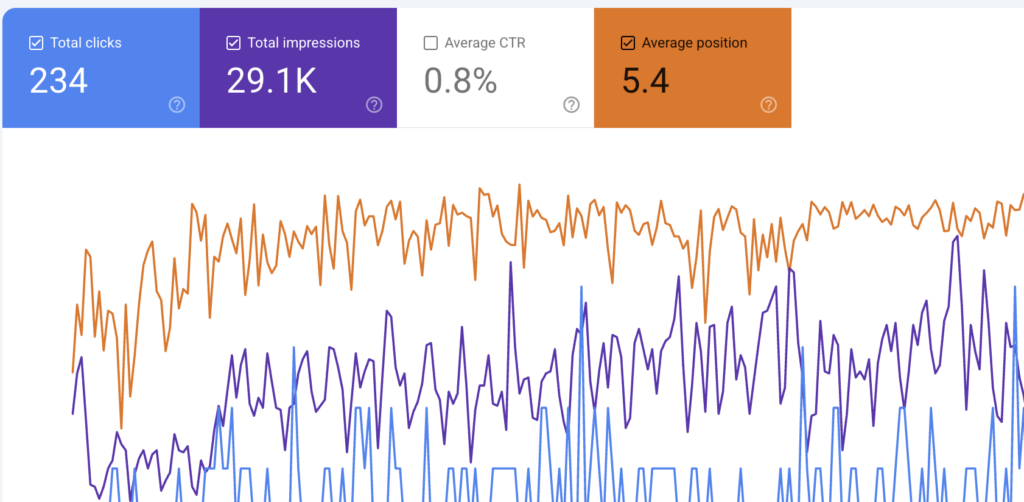
The thing that we always do for a client is adding the site to Googles’ own Google Search Console.
It also helps identify any issues that Google has with your website.
For example, Google’s Fetch as Google tool allows you to see a particular URL as Google sees it, which is critical when troubleshooting for poor SEO performance. The information returned can help you modify the page in question for better results and can even help you isolate problematic code when you believe your site’s been hacked.
If you have just added a new page to you site then type ‘submit page google’ into a search bar. You paste the URL of your new page into the box provided and Google will scrape this page the next time it’s bots are available…
Website audit tool #3 – Google Page Speed Insights
It’s free but it is very powerful and can help identify issues with your site within about 60 seconds.
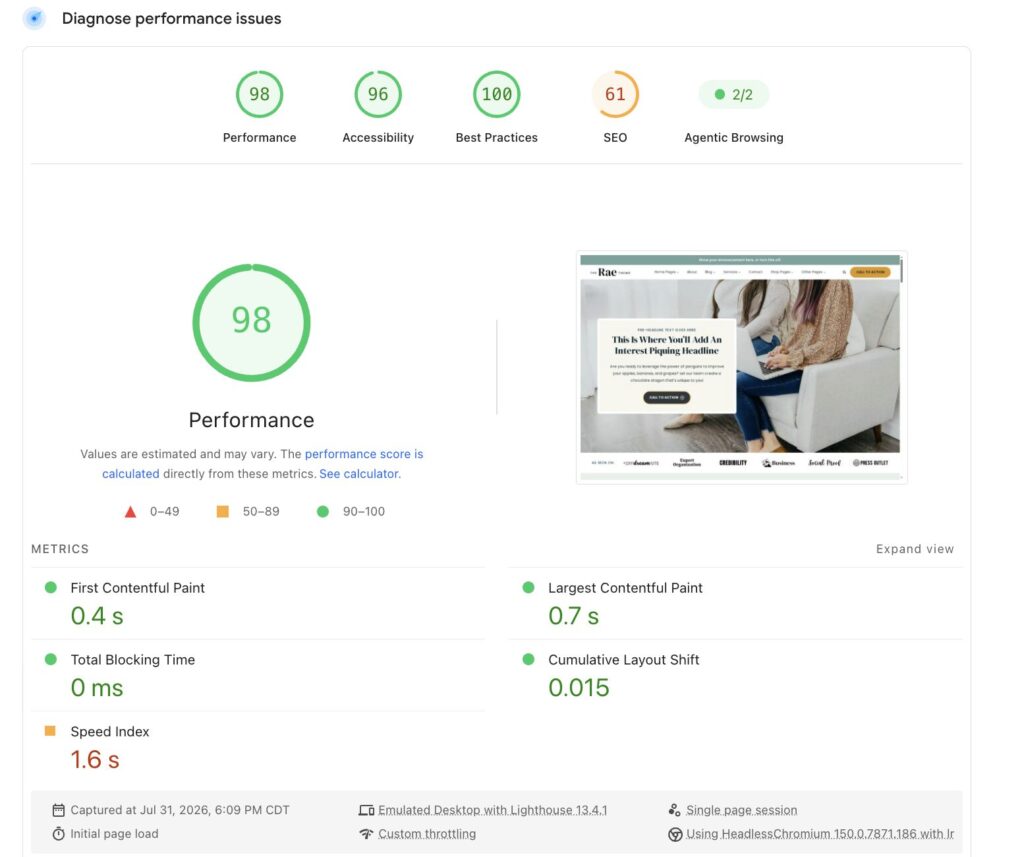
With this tool, you’ll get back a high-level review of your website performance. It won’t be the most detailed report, but it’s a great starting point because it gives you a list of things you can fix immediately to help improve site performance.
This SEO tool evaluates how well a page follows common performance best practices and computes a score from 1-100 that estimates its performance headroom,” according to Google Developers. That score can be Good, as in 80 or above; Medium, as in 60 to 79; or Low, as in 0 to 59.
Have a look in the HTML Improvements section to see if there are any issues in the way that Google is crawling your website and if they are having any trouble reading it properly.
Website audit tool #4 – SEMRush
SEMrush is a super elaborate dashboard that reports on the performance of domains as a whole and their specific pages. It has a free version and does not require a credit card to use it. This SEO platform for website’s performance measurement offers numerous toolkits, one of which is an SEO toolkit.
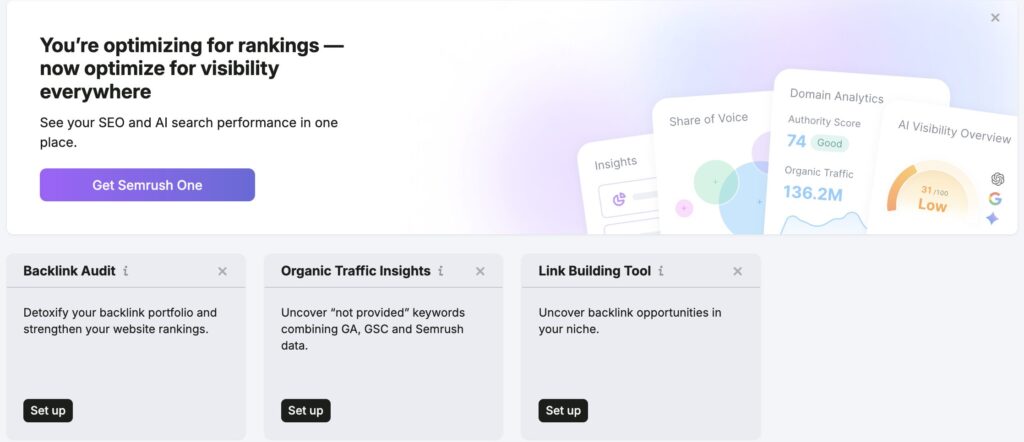
One of the toolkit’s flagship features allows you to plug in a website page to see for what keywords it’s ranking, what the page’s rank is for that keyword, the keyword’s monthly search volume, and more.
The rest of the SEO toolkit allows you to compare your page performance to competition, analyze backlinks from other websites to your site (also known as link building), research appropriate keywords, and take advantage of similar on-page SEO opportunities.
It is also used to track the organic keywords, competitor research, backlinks and PPC keywords of the competitors. We use the SEMrush tool to track the competitor’s data, so we can implement those in our SEO efforts in order to boost our website ranking.
We also use it to get a clear picture of technical issues and keep track of all changes with detailed PDF and CSV reports.
Here are the main features of SEMRush:
- Uncover competitor ad strategies and budget
- Finding competitor ad copies
- Finding top publishers and advertisers
- Backlink analysis
- Create effective ad campaigns
- Find best keywords for SEO and PPC
- Compare with competitors
- Export complete analytical reports in Excel Format
- Complete website audit and position tracking
- Top-12 In-Demand SEO Checks and More
- Duplicate content
- Duplicate title tags
- Low word count
- Broken links
- Slow page load speed
- HTTPS implementation issues
- Missing title tags
- Missing meta description
- Missing h1 tag
- Incorrect hreflang implementation
- Images with empty ‘alt’ tags
- Nofollow attributes on links
If you don’t want to pay month or yearly subscriptions for the sake of auditing, then consider looking into the free audit version of Semrush, where you can get first 100-page audit for free in 5 minutes!
Bonus! Here is a list of Free AI Search Visibility Tools:
These tools are ideal for running quick baseline audits, spot-checking specific keywords, or exploring how LLMs interact with your website content without committing to a subscription budget.
- SEO.com AI Overview Checker: Best for instant, 100% free spot-checks to see if your site is being cited in Google’s AI Overviews for specific queries.
- Amplitude AI Visibility Tool: A completely free tool requiring no signup to start. It lets you enter a domain to generate an automatic snapshot of competitor performance and source analysis across common user prompts.
- Market Brew AI Overviews Visualizer: A free tool that evaluates how relevant your webpage content is to specific embedding-based AI searches, providing a matching percentage score.
- Semrush AI Search Visibility Checker: Offers a free baseline lookup tool to check your brand presence, along with 10 free daily queries on their core platform to spot traditional organic rankings that feed LLM training data.
- Frase GEO Score Checker: A free utility tailored for content creators to analyze single pages and verify how well they optimize for AI citations.
Wondering which SEO KPIs to track? Learn the essential elements to track for your website, including tech SEO, organic performance, prospects, and sales here: https://trafficthinktank.com/seo-kpis/
Free tools tell you what is broken. The AI SEO Content Optimization Roadmap tells you which of those things is worth fixing first and the SEO & AI Search Readiness Audit returns a prioritized list of what to fix, in what order, and why.